
here is the first test post
i used a header 3 there to adjust text hierarchy by selecting the <> button at the right of the tool bar and replacine <p></p> with <h3></h3>
A lot of this styling can also be done using the "Format" drop down menu
below I embedded a video using the insert/edit media" tag that I grabbed from you tube using the "share" option under the video (Here is the code it gave me that i embedded: <iframe width="560" height="315" src="https://www.youtube.com/embed/zv5bpfxJ2xE" frameborder="0" allow="accelerometer; autoplay; encrypted-media; gyroscope; picture-in-picture" allowfullscreen></iframe>)
Images
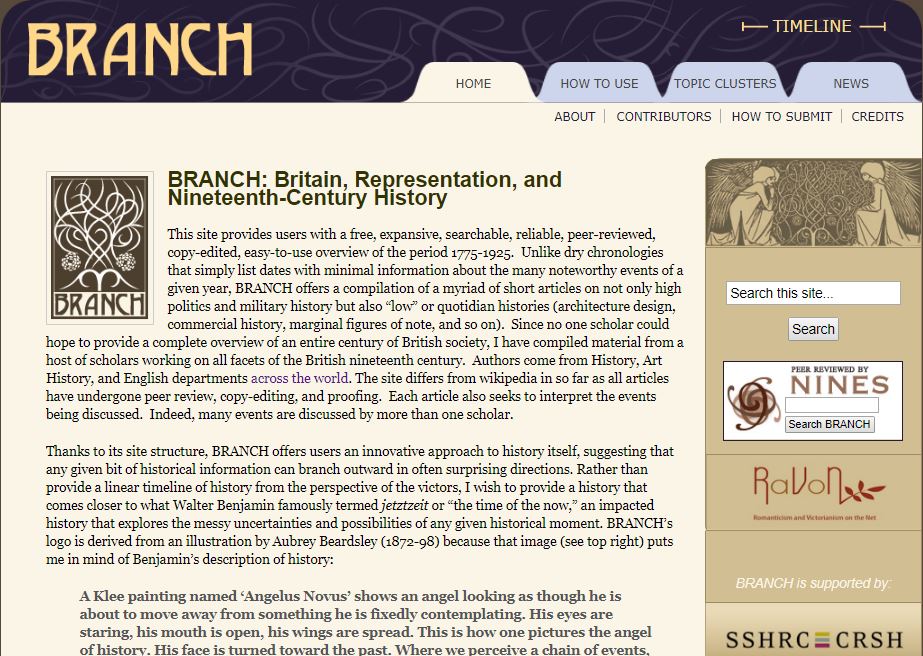
as opposed to the studio, here you can upload images from your computer.i uploaded a screen capof the branch site because, ...free advertising:
And of course you can also preview your posts using either the view drop down menu or the eyeball icon